
On every screen you watch
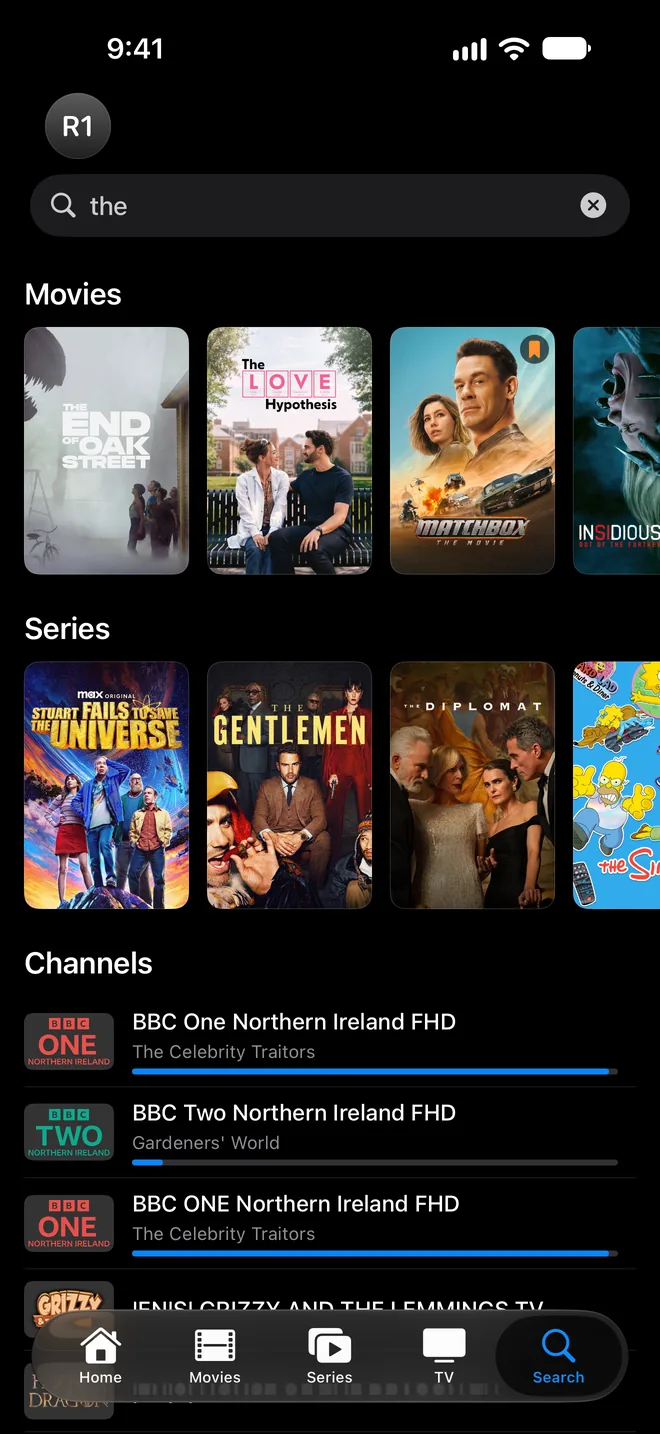
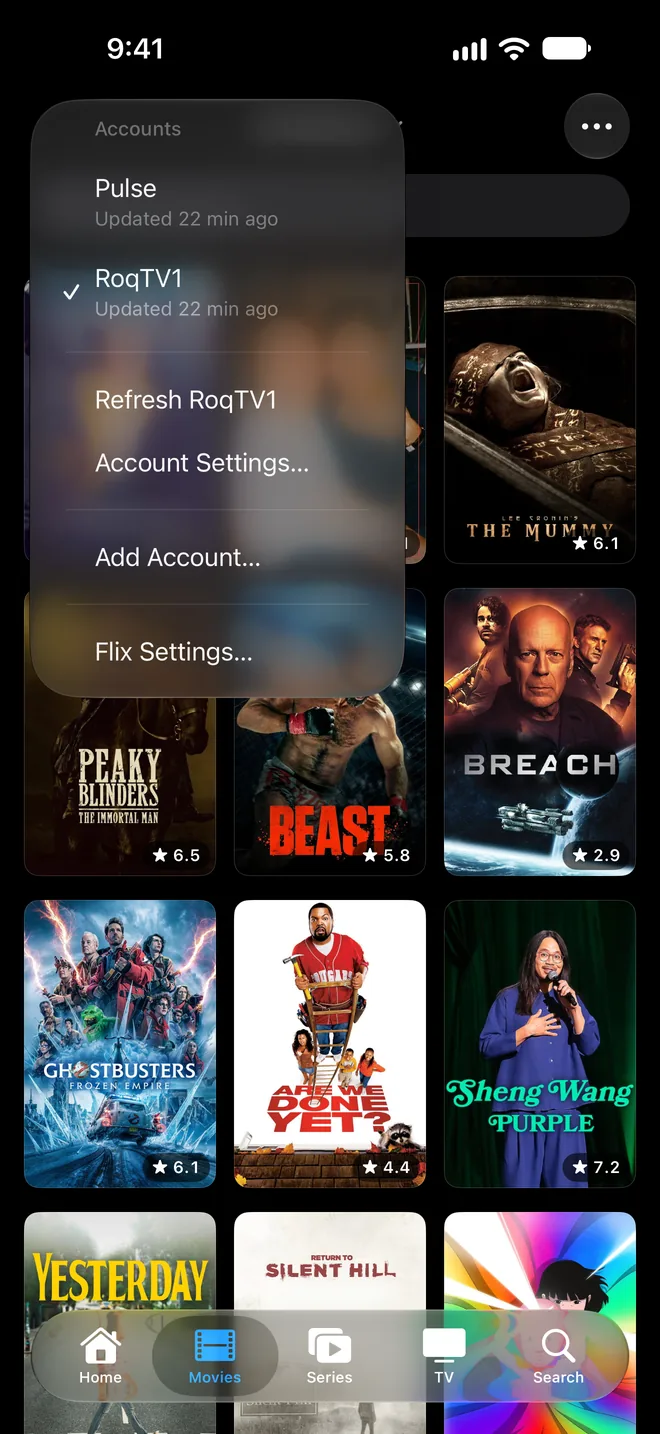
Everything you watch, in one place
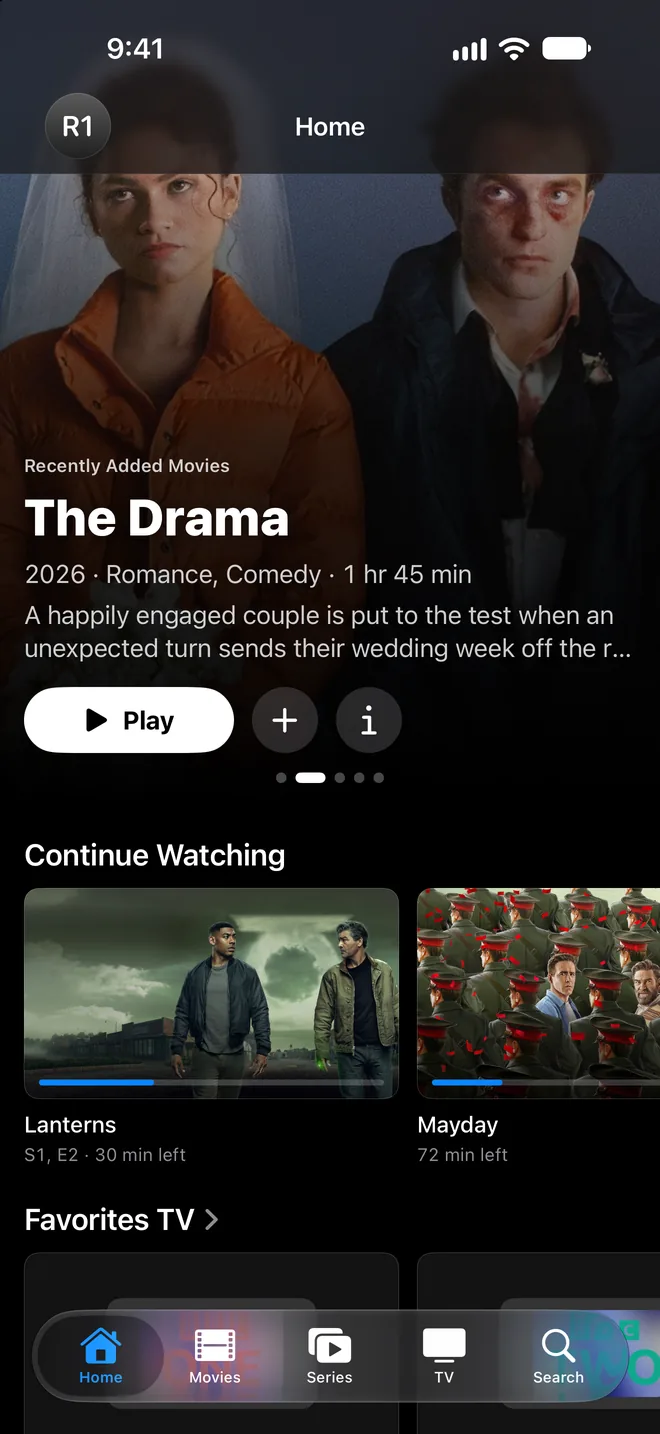
Home
Pick up where you left off with Continue Watching, see what's new in Recently Added, and keep your Watchlist and Favorites close at hand.
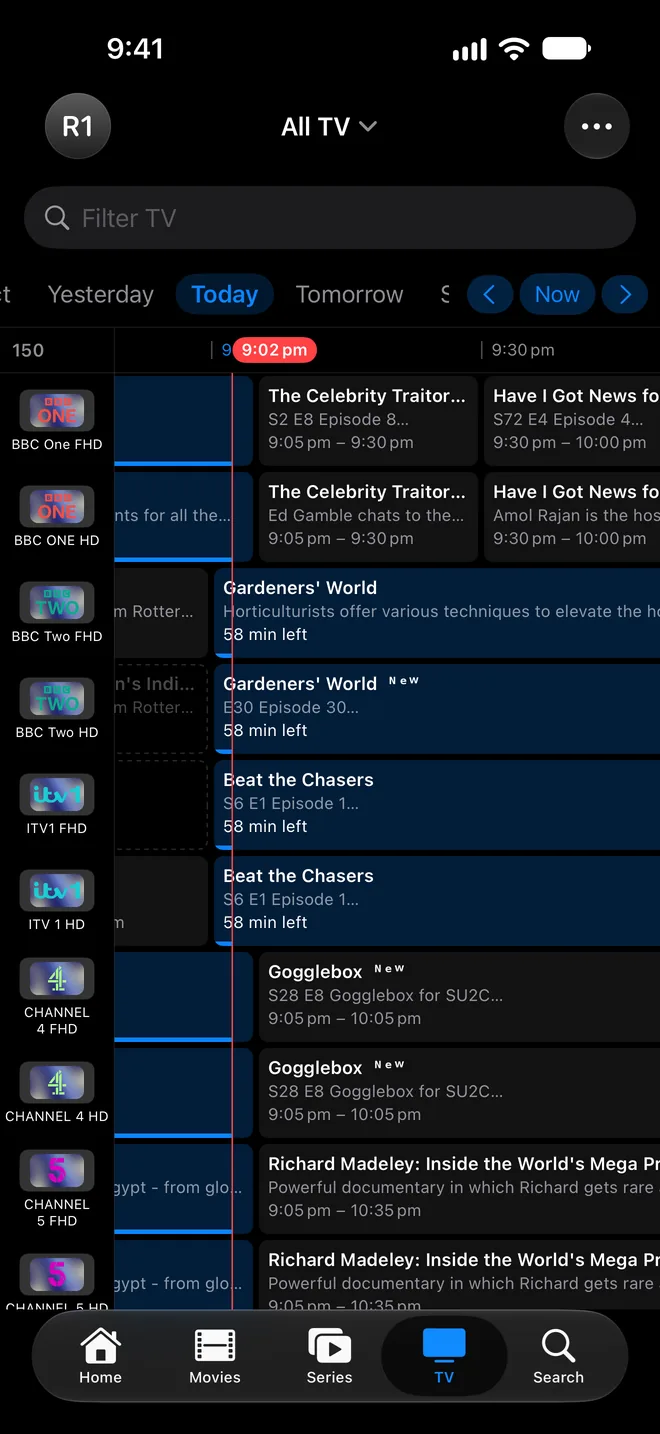
Live TV and Programme Guide
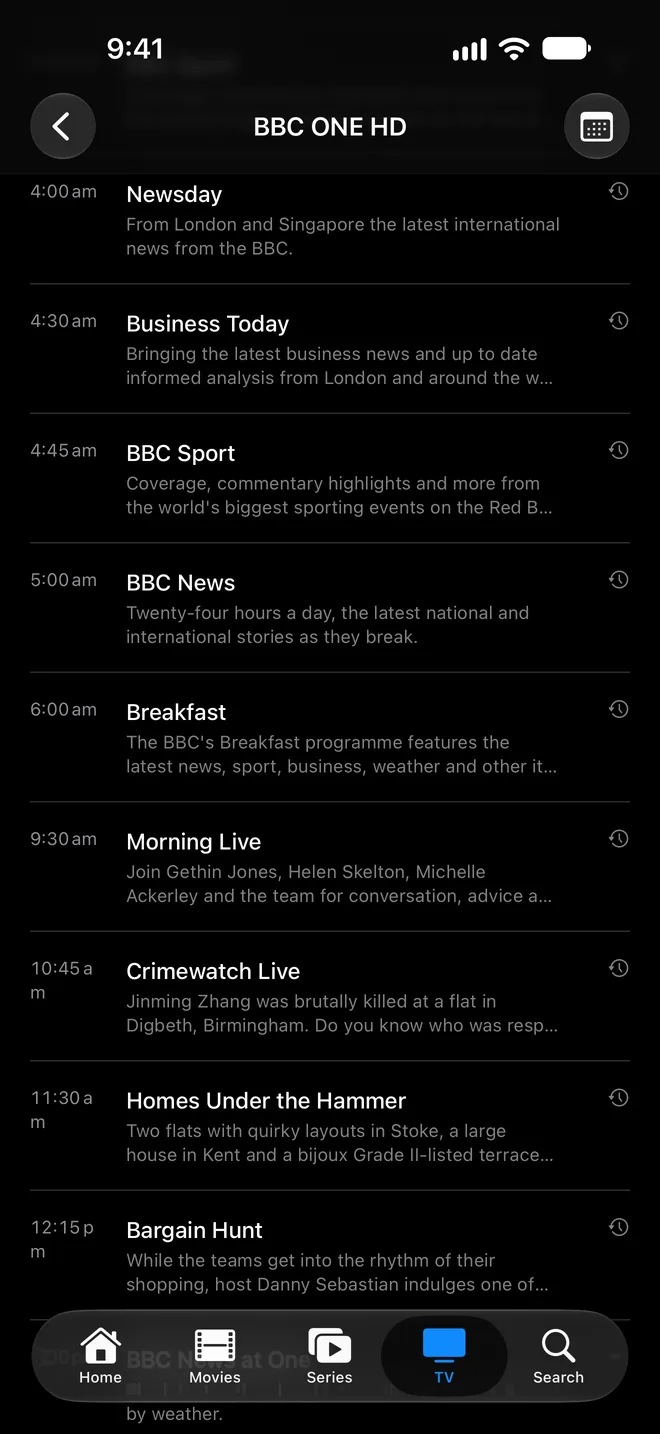
Browse channels by category, see what's on now and next in the Guide, and view each channel's schedule.
Catch-up
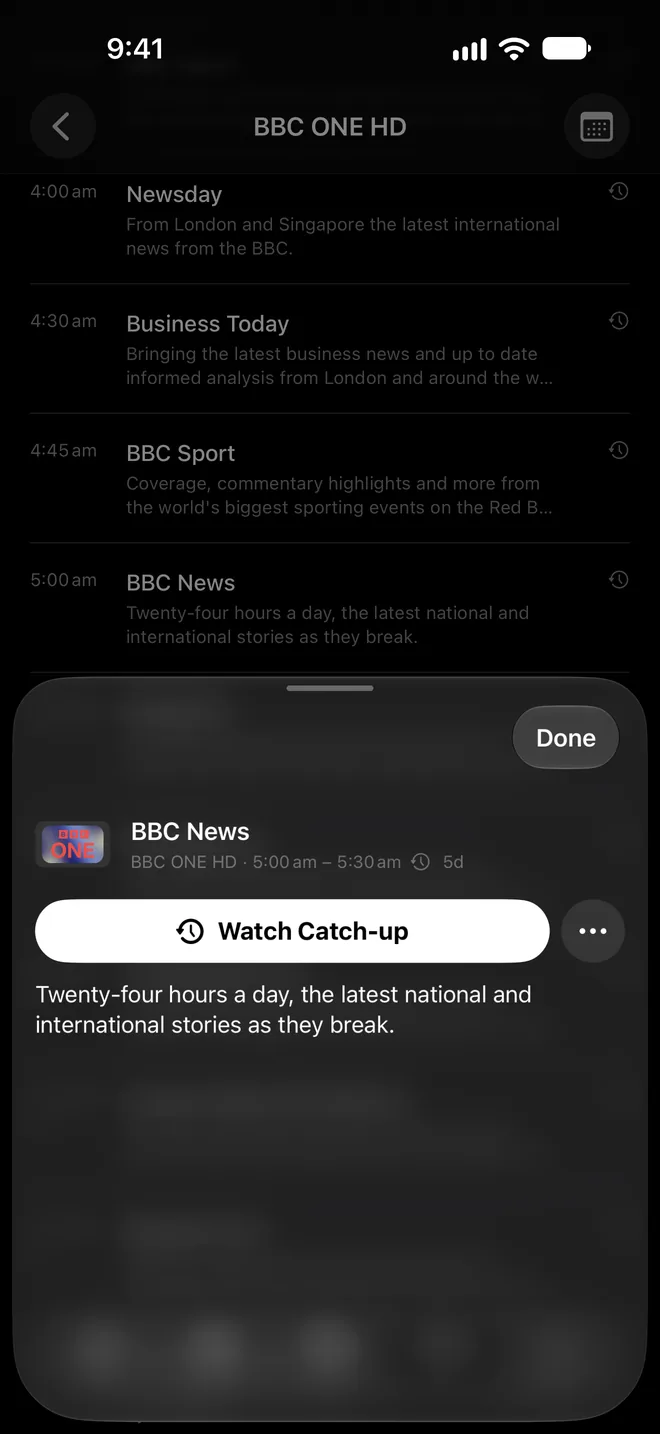
Start a programme that's already on from the beginning, or watch Catch-up for ones you missed, when your provider supports it.
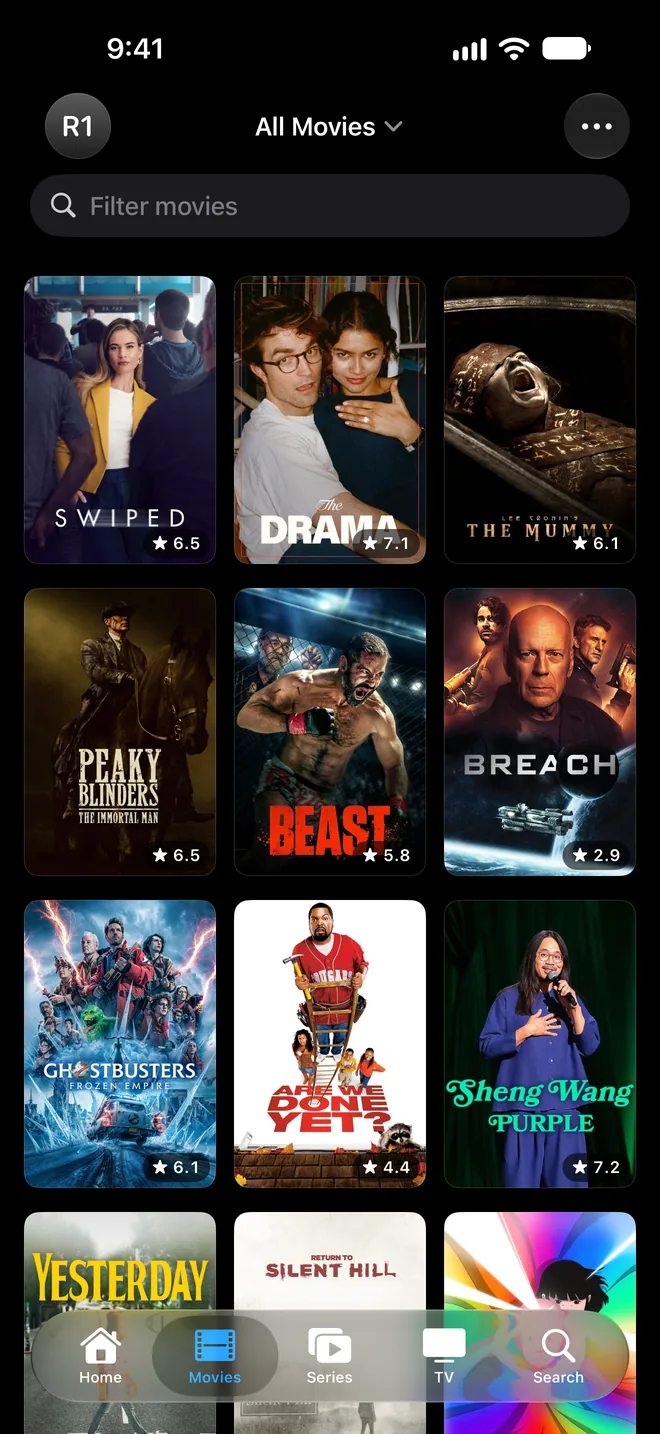
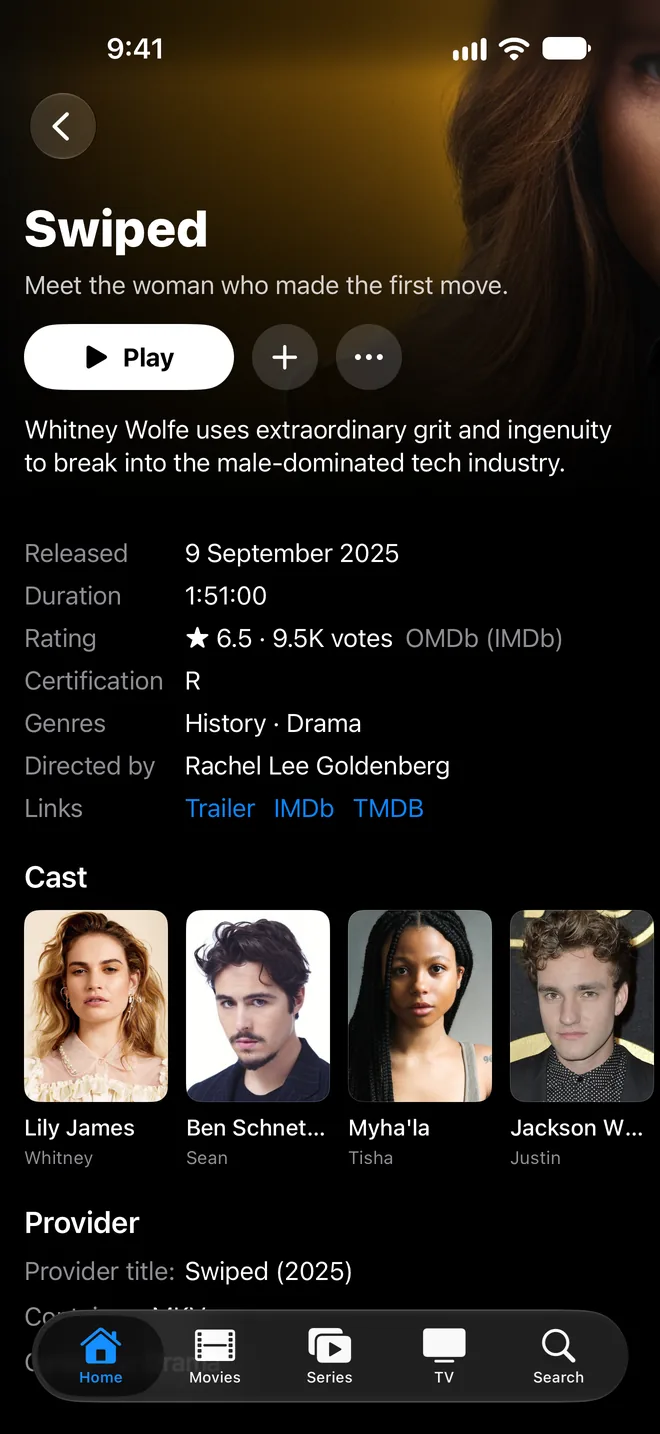
Movies and series
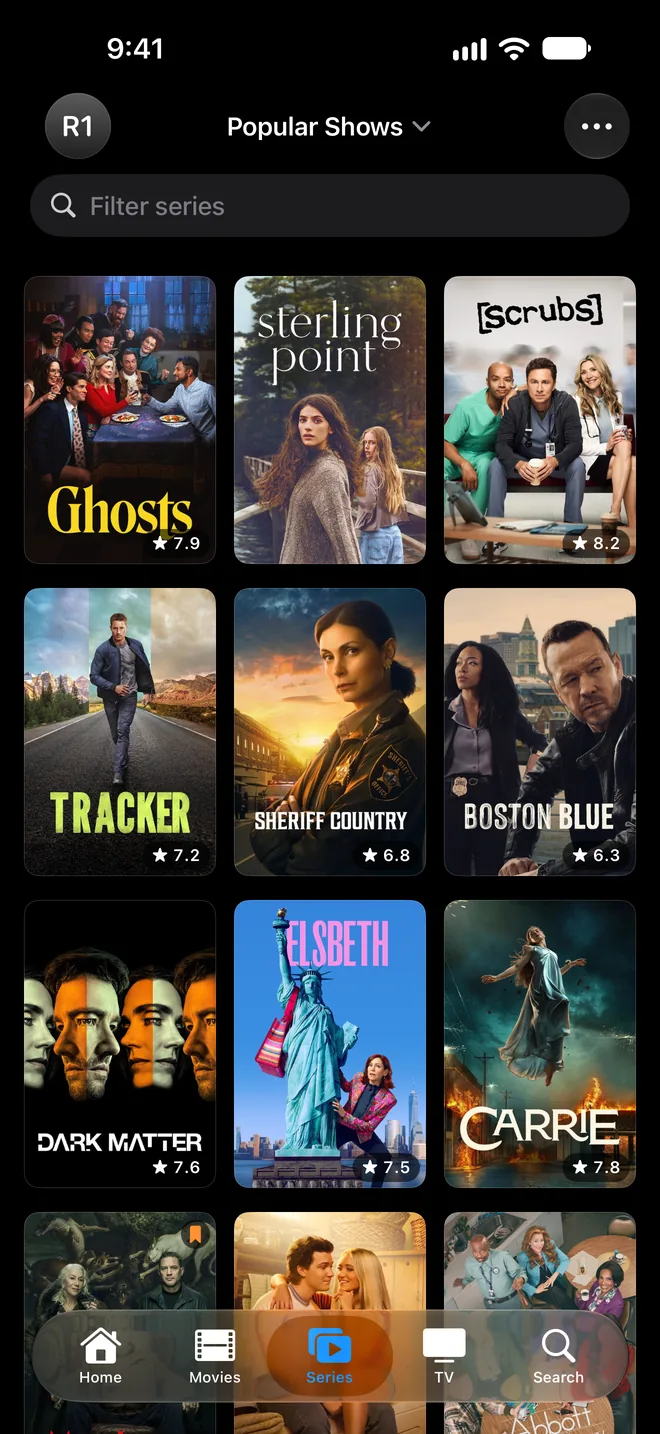
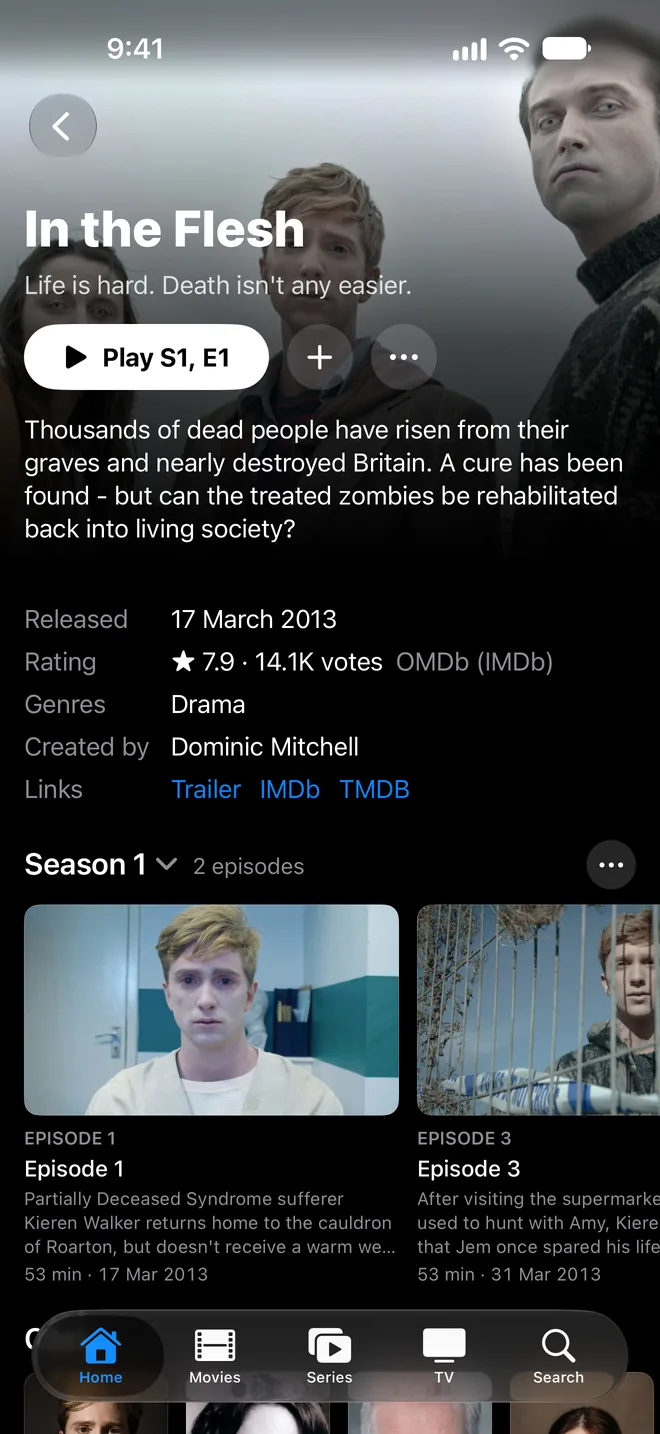
Browse your provider's movies and series as posters, with artwork, cast and ratings. Series pick up at the next episode.
Search and categories
Search across movies, series and channels. Pin the categories you use most and hide the ones you don't.
Multiple accounts
Add more than one provider or household account and switch between them. Automatic Refresh keeps each library up to date.
Private and synced
Your provider accounts live in your iCloud Keychain. Your Watchlist, Favorites and history follow you from device to device.
Made for each screen
A native app for iPhone, iPad, Mac and Apple TV, with Continue Watching on the Apple TV Top Shelf.
One membership, every device
Flix needs a Flix Membership, paid monthly or yearly at the price shown in the app. New members get a 3-day free trial, and one membership covers Flix on every device that uses the same Apple Account. Cancel anytime in your Apple Account settings.

You bring the provider
Flix is a player only. It doesn’t provide, sell or supply channels, movies, series or IPTV subscriptions. You need your own provider that offers an Xtream login or an M3U playlist, and the rights to watch its content. The Programme Guide, Catch-up and other features depend on your provider.
Questions? Visit Support or email flix@juye.net.